TOUCH SENSOR & SERVICE INTERACTION
Give building users a simple way to request service, raise an issue or provide feedback at the point where it matters. Flexicount touch sensors turn each interaction into a clear operational signal that can trigger alerts, record responses and support better service decisions.
Book a CallSee How It Works
Trusted across cleaning facilities management, workplace and public environments
When people need service attention, the biggest barrier is often the effort required to report it. A simple touch interaction gives users an immediate way to signal a request or provide feedback without needing an app, login or lengthy form.
Flexicount turns that interaction into a usable operational signal, helping teams see where attention is needed and respond more quickly.
The value is not in the button itself. It is in connecting a simple human interaction to a clear operational response.
Give building users a clear, immediate way to request service at the point where the issue occurs.
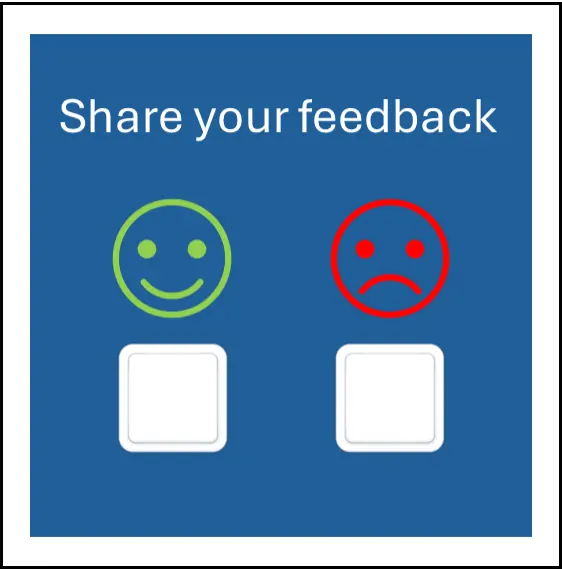
Let users provide simple positive or negative feedback while the service experience is still current.
Turn each interaction into an alert or operational event so the relevant team knows where attention may be required.
Record requests, feedback and completed responses to build a clearer picture of service demand over time.
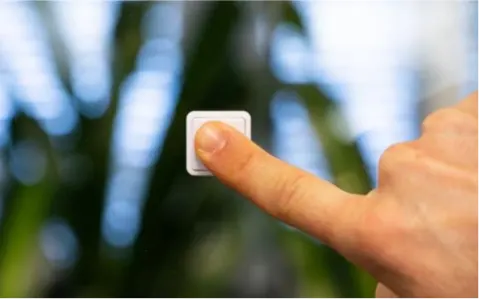
The Flexicount touch sensor gives users a simple physical way to request service or provide feedback. Each interaction is sent into the Flexicount platform, where it can trigger an alert, create a record and support a clear response workflow.
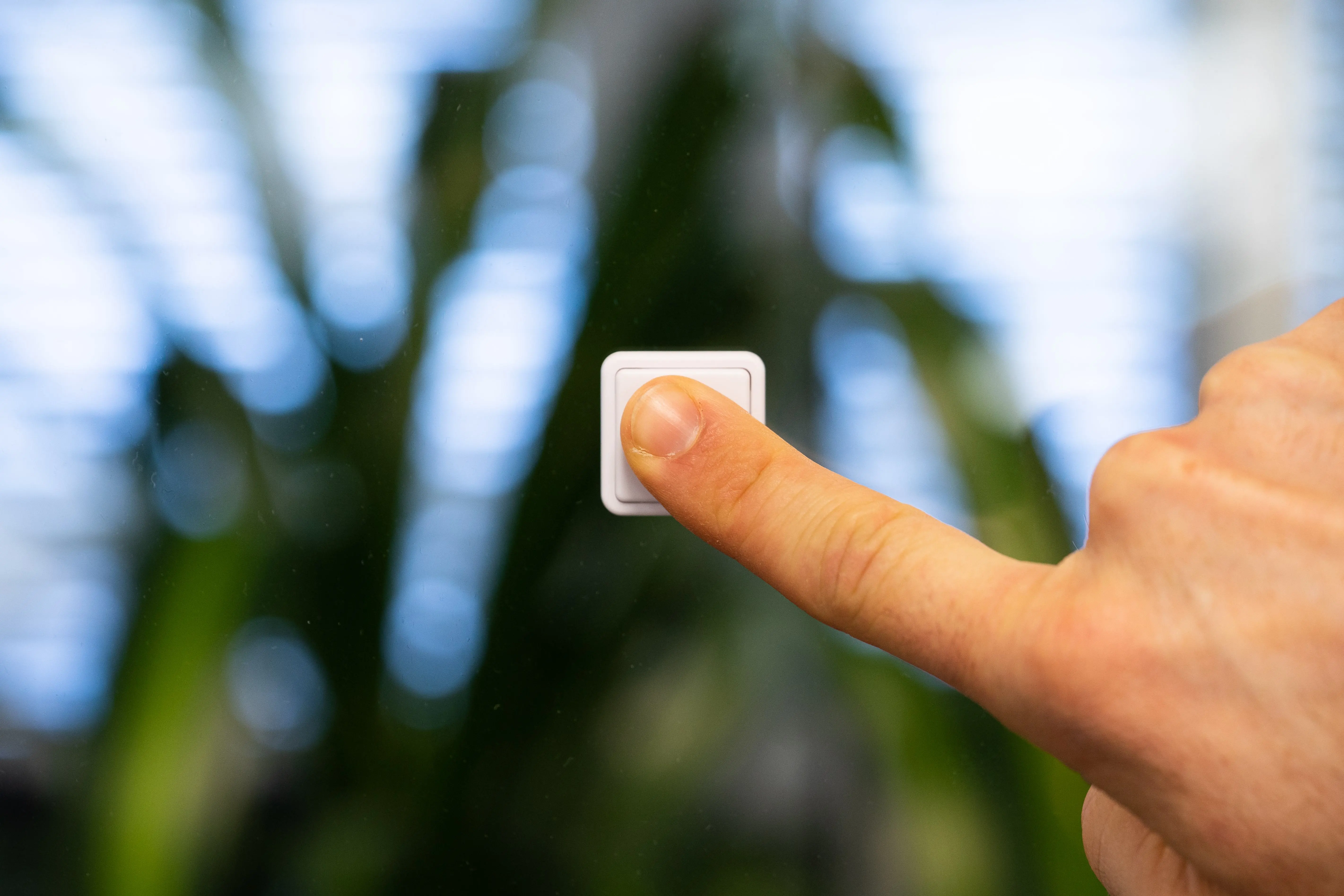
The user presses the sensor.
Place the touch sensor where people naturally experience the service, such as a washroom, reception area or shared facility.
The interaction is recorded instantly.
The touch event is transmitted into Flexicount as a clear operational signal associated with the relevant location.
Flexicount can notify the appropriate team.
Depending on the workflow, the interaction can raise an alert so the team knows where attention may be required.
The team acts and the response becomes part of the service record.
Attendance or completion can be recorded, helping create a clearer view of service demand and response activity over time.
The same simple touch interaction can support different operational workflows. Use the sensor to let people request service when something needs attention, or capture immediate feedback about the service they have received.

Give users a simple way to ask for attention.
Place a touch sensor where service may be required and let users raise a request instantly. Flexicount can turn that interaction into an alert for the relevant team and create a record of the response.
Understand how people feel about the service.
Use one or more touch sensors to collect simple feedback at the point of experience, helping teams identify positive service outcomes or areas that may need attention.
Both workflows turn a simple physical interaction into useful Operational Intelligence; helping teams understand what people need and what should happen next.
A touch event becomes most useful when the right team can see it and act on it. Flexicount can route service requests and feedback into Alert Monitoring, helping teams respond quickly and create a clearer record of what happened next.
The aim is not simply to count button presses. It is to understand what people are signalling, how the team responds and what can be improved over time.
See whether the interaction came from a service request, feedback point or other configured touch workflow.
Route the event into the Alert Monitor and, where configured, notify the relevant team that attention may be required.
Capture acknowledgement, attendance or completion so the action becomes part of the service record.
Look at recurring requests, feedback levels and response activity to understand where service delivery could be improved.
Touch sensors work best where people need an immediate, low-effort way to request attention or provide feedback. Flexicount turns those interactions into usable operational signals for the teams responsible for service delivery.
Let users request attention where it is needed.
Place a touch sensor in washrooms or other service areas so users can signal when cleaning, replenishment or other attention may be required.
Capture simple feedback at the point of experience.
Use positive and negative touch options to understand service satisfaction and identify where follow-up may be needed.
Give people a simple way to flag service issues.
Use touch points in shared facilities, reception areas or communal spaces to help operational teams see where attention is required.
Create a simple interaction around completed service.
Touch interactions can support workflows where teams need to confirm attendance, completion or another defined service event.

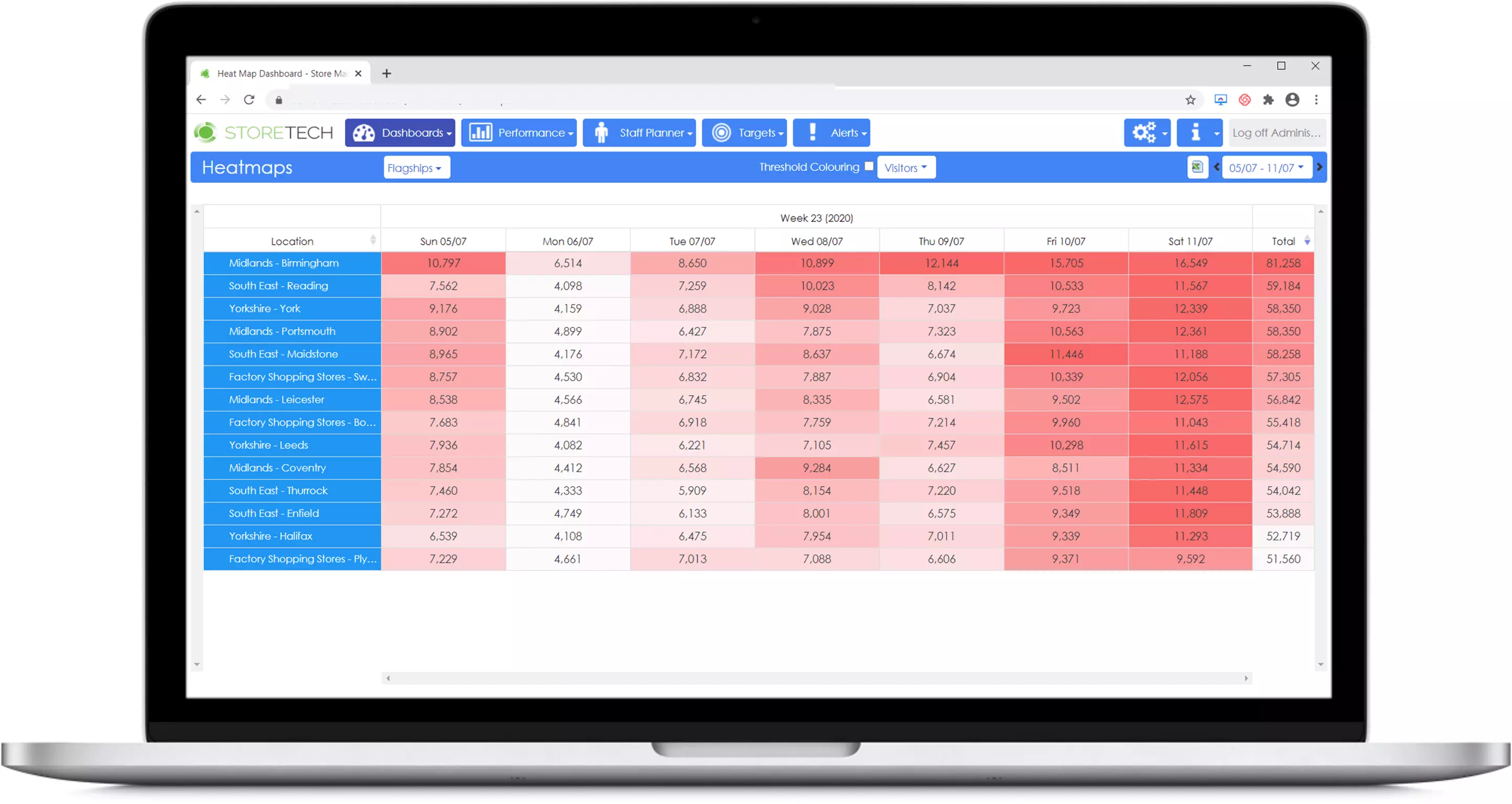
Individual touch events are useful in the moment, but the wider value comes from understanding the pattern. Flexicount helps teams review requests, feedback and response activity over time to identify recurring issues and opportunities to improve service delivery.
The result is a clearer view of what people are asking for, how they feel about the service and how effectively the team responds.
See how often service requests are raised, when they occur and which locations generate the highest demand.
Compare touch events with acknowledgement and completion records to understand how effectively teams are responding.
Review positive and negative feedback over time to identify consistent strengths or areas needing attention.
Use the combined history to review workflows, staffing and service priorities based on real user interaction.
Test the workflow at a real location with no sensor hardware required. Use a Flexicount QR code to capture service requests, gather feedback or record completed work, then review the results with your team.
Start with one operational challenge and prove the value before deciding whether to add sensors, automated thresholds or wider reporting.
No Hardware Required Test a Real Workflow Review the Results
Flexicount uses compact wireless touch sensors to capture simple physical interactions at the point of service. Each touch event is securely transmitted through the connected infrastructure into the Flexicount platform, where it can become part of an alert, feedback or service-response workflow.
The sensor itself stays simple. The operational value comes from what Flexicount does with the interaction afterwards.


Installed discreetly on walls or posts, the sensor detects a press and sends a secure wireless message via the Flexicount cloud infrastructure. The event is logged, timestamped, and pushed into dashboards and alerts where cleaning or FM teams can act. It communicates over 868 MHz/915 MHz ISM band, supports long-battery life and rugged environments.
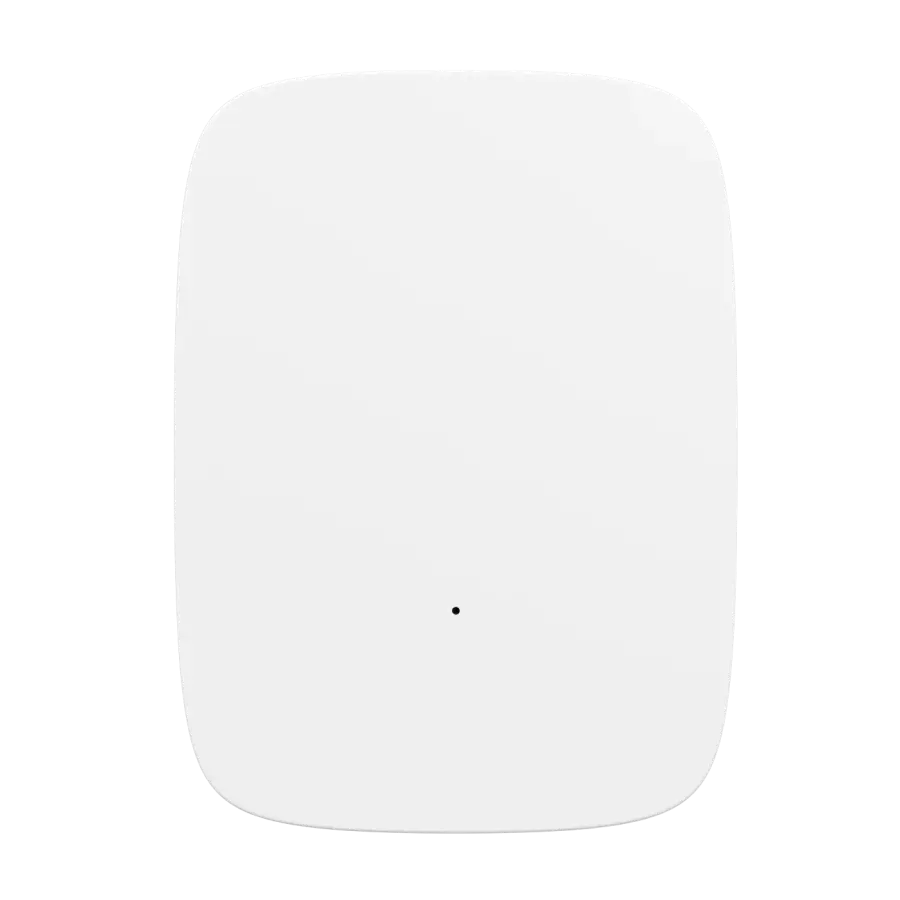
Where required, a Cloud Connector provides the gateway between the wireless touch sensors and the cloud service. The exact configuration depends on the location and deployment environment.
The Wireless Tactile Touch Sensor detects when the sensor is pressed and gives an audible and tactile feedback to the user. The sensor will immediately send a Touch event to the cloud.
The radio protocol used is SecureDataShot™, and the data is relayed to the cloud using a SecureDataShot™ enabled gateway, also known as a Cloud Connector (Hub).
Discover how organisations use Flexicount to understand building activity, respond to demand and improve services. Our customer projects demonstrate the value of connected sensors, real-time insights and smarter facilities management.
CASE STUDYA pilot deployment helped JPC by Samsic identify opportunities to reduce unnecessary cleaning visits, align resources with actual building demand and demonstrate the benefits of demand-based cleaning across a 45-storey office building.
CASE STUDYTCFM combined occupancy monitoring, customer feedback and digital reporting to improve visibility of cleaning operations, support service delivery and give both supervisors and clients more reliable operational insight.
CASE STUDYSmarter Services uses Flexicount technology across washrooms and shared amenities at The Rex. Wireless sensors and people counters reveal changing demand, helping teams refine cleaning frequencies and make more informed service decisions.
Explore how wireless touch sensors can make it easier to request assistance, trigger real-time alerts and help your teams respond when needed.
From cleaning requests to operational support, we'll help you create a simple, responsive solution for your facilities.
Prefer to talk?